Delivery intelligence for Jira
See how work really flows, why it slows down, and what to fix in Jira.
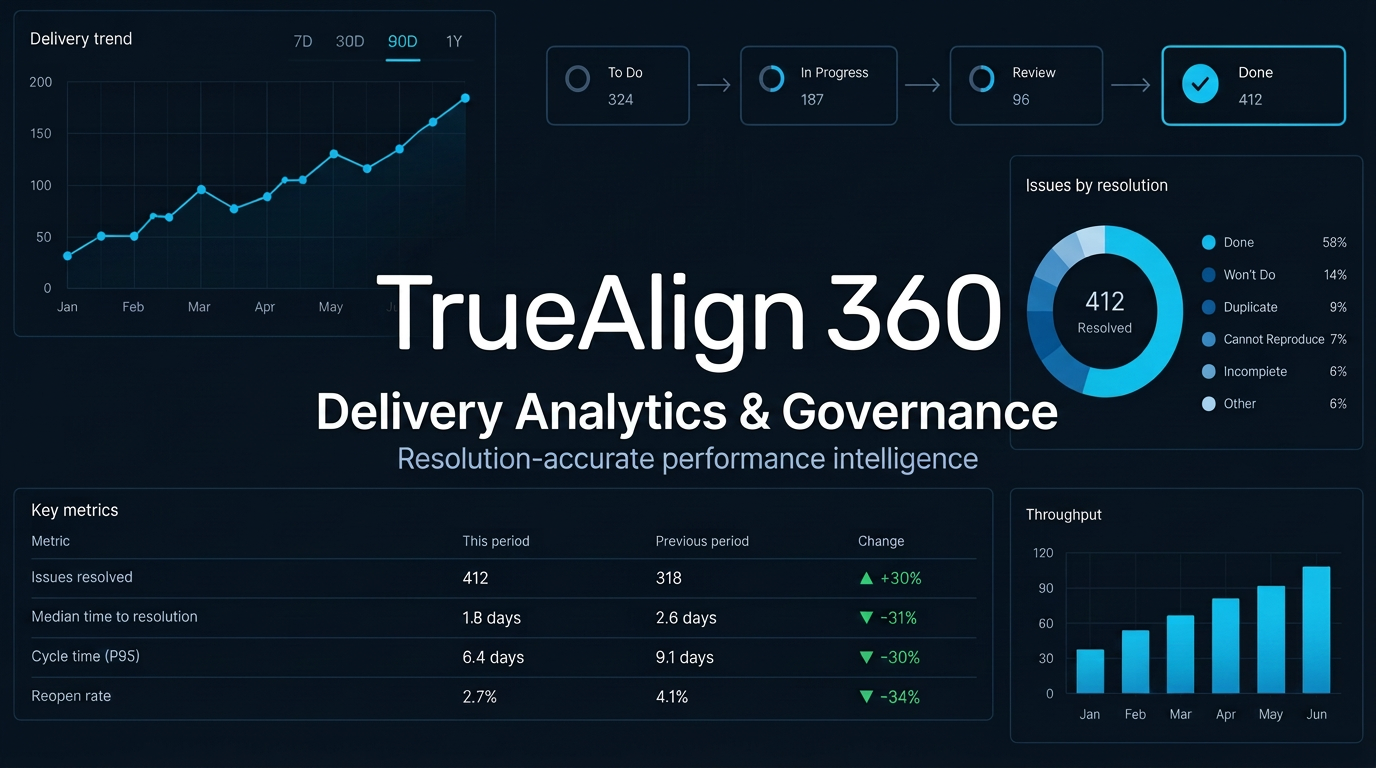
TrueAlign 360 rebuilds cycle time, lead time, blocked time and quality trends from your real Jira history, then connects them to the configuration behind them. Leaders get numbers they can trust and clear next steps, with one flat price per workspace.
No credit card required. All Business features included.
Executive walkthrough
See TrueAlign 360 in four minutes
Inside TrueAlign 360
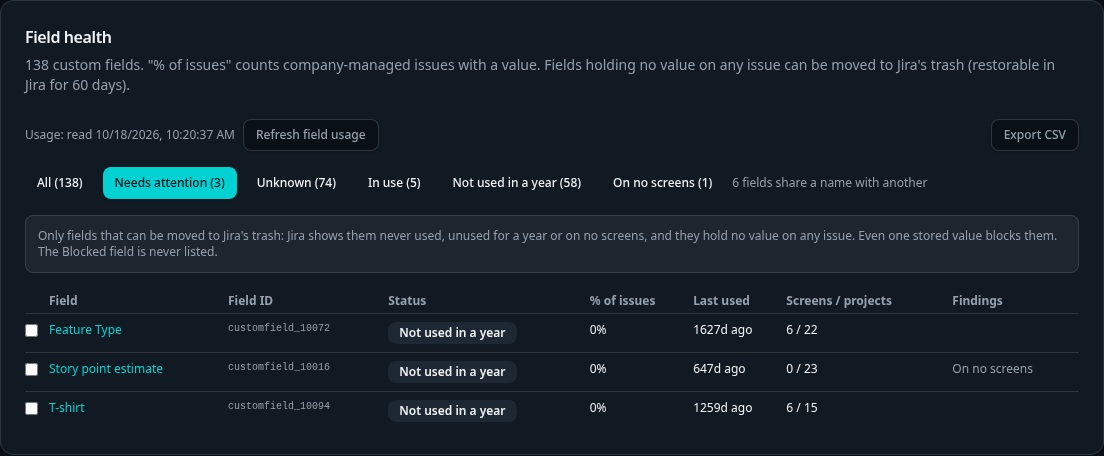
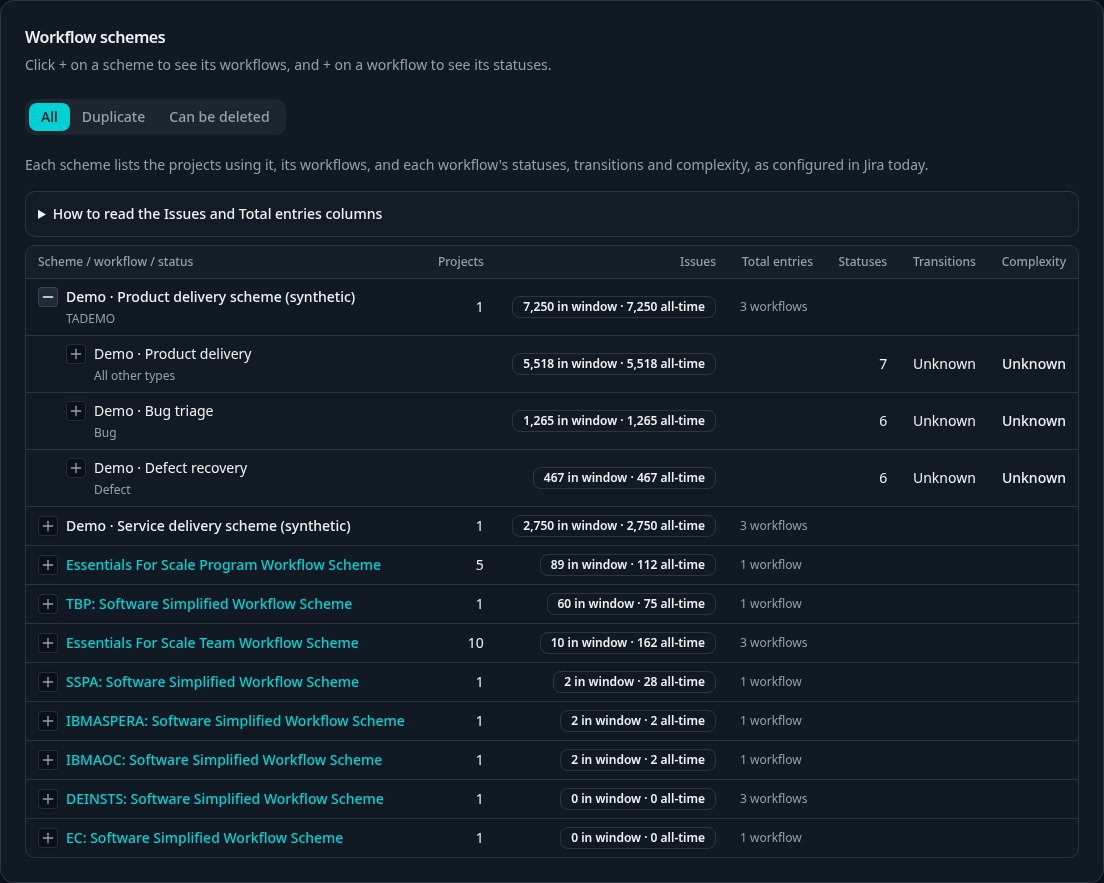
Delivery intelligence. Suite governance.
How it works
From your Jira history to delivery evidence.
01
Create your workspace
Create an account and start your 14-day Business trial. No card required.
02
Connect Jira
Connect your Jira Cloud site and select the company-managed projects in your portfolio.
03
Sync your history
Choose a lookback of up to 15 months and up to 100,000 issues per workspace. A complete pull reconstructs delivery history; timing depends on your scope.
04
Review insights and next steps
Explore delivery flow and governance findings. Jira changes require a separate preview and confirmation.
Why TrueAlign 360
Not another Jira dashboard. A clear link between how Jira is set up and how work actually gets delivered.
Configuration linked to outcomes
Delivery metrics and Jira configuration health live side by side. See which workflow, field and board setup problems are likely contributors to slow cycle time, quality issues and delivery risk.
Tells you what to fix
Every metric explains what it means, whether your Jira habits are helping or hurting it, and practical next steps. Recommendations, not just dashboards.
Resolution-accurate, audit-ready
Completion is based on Jira's resolution field and date, not board column names. Saved snapshots never change, so a report from last quarter still reads the same today.
One view across Jira sites
Combine several Jira sites into one analytics view, while auditing each site's configuration separately. Built for organizations that have grown beyond a single instance.
Honest about data quality
Missing evidence shows as unknown, never zero. Data-integrity warnings, such as work closed the moment it was created, are shown next to the numbers they affect.
No backdoor access
Each workspace is isolated at the database level. TrueAlign 360 staff get no built-in access to your Jira data, and Jira credentials are stored encrypted.
Flat fee per workspace
No per-seat tax. One flat price per workspace.
Per-user Jira apps charging $2–$5 per user can cost a 1,000-person engineering organization $2,000–$5,000 every month. TrueAlign 360 plans are flat-rate per workspace, with unlimited users and viewers—one flat $999 a month for Business, with Enterprise from $1,499. No seat counting.
See pricing